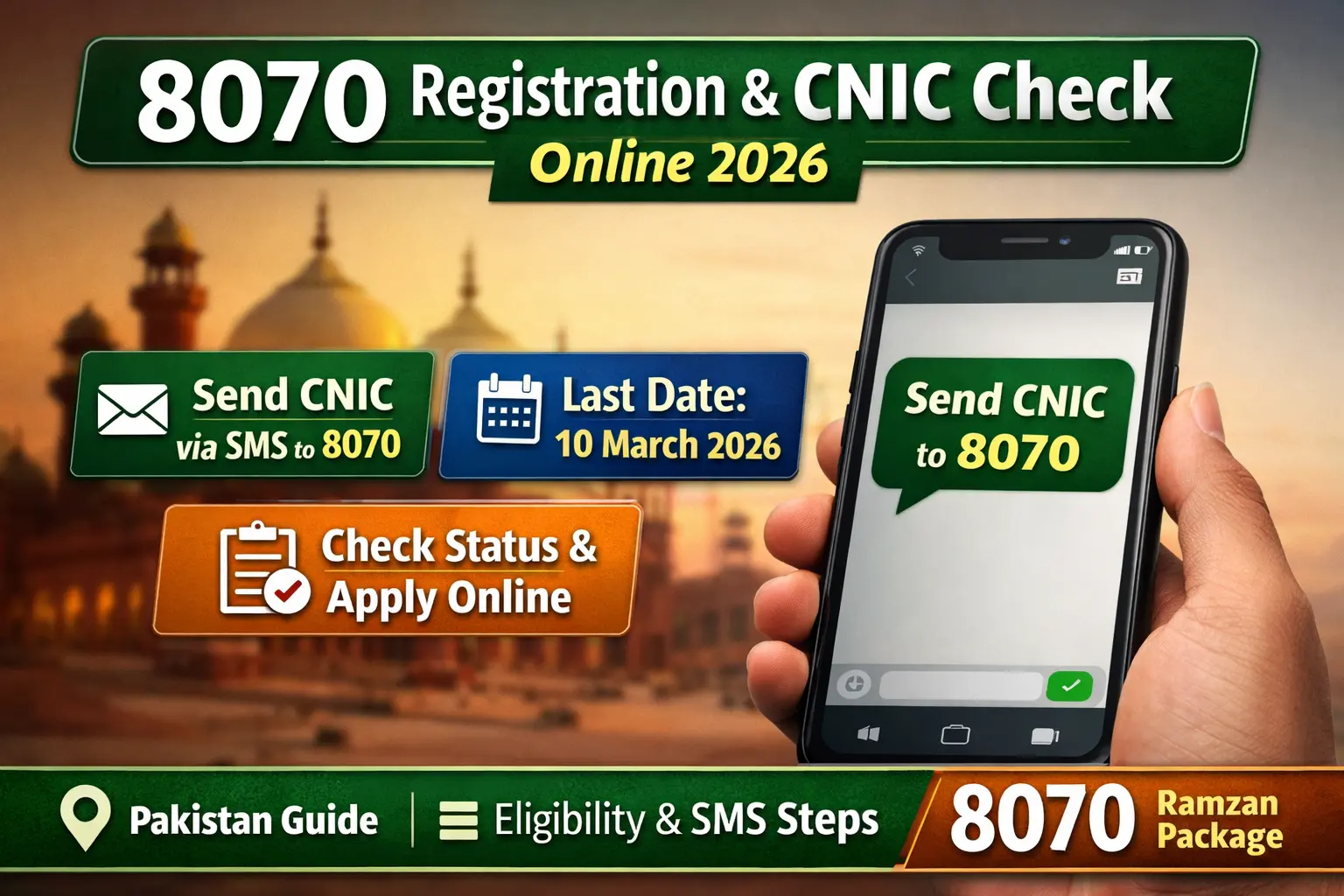

The 8070 registration system is an official SMS verification service in Pakistan that allows citizens to check eligibility for government relief programs using their CNIC number. To check status, send your 13-digit CNIC via SMS to 8070 using a SIM registered in your own name. You will receive a reply confirming eligibility, verification status, or registration requirement.
What Is the 8070 Code in Pakistan?
The 8070 Code is a government SMS verification service introduced to help low-income families confirm eligibility for Ramadan and welfare assistance programs without visiting offices.
The system works through:
- CNIC-based identity verification
- Government socio-economic databases
- Automated SMS eligibility confirmation
It helps applicants verify status quickly and reduces long queues at registration centers.
How Do I Send My CNIC to 8070? (Step-by-Step)
Follow these simple steps to send your CNIC correctly:
- Open the SMS application on your mobile phone
- Type your 13-digit CNIC number (without dashes)
- Send the message to 8070
- Wait for the official confirmation reply
You must send the SMS from a SIM registered on your own CNIC for successful verification.

How Do I Check My 8070 Status?
You can check your 8070 eligibility status through SMS verification.
After sending your CNIC, you may receive one of these responses:
- Eligible – Approved for assistance
- Under Verification – Data is being reviewed
- Not Registered – Registration required
- Ineligible – Criteria not met
Checking status regularly ensures you do not miss payment updates.
How to Apply for 8070 Registration Online
The 8070 service itself is mainly used for status verification, while registration is completed through linked government databases or online portals.
Application Method
- Visit the official registration or PSER portal
- Enter CNIC and mobile number
- Provide household and income details
- Complete OTP verification
- Submit application for review
After approval, applicants can confirm eligibility using 8070 SMS.
Who Is Eligible for the 8070 Program?
Eligibility is determined through official poverty and household data records.
Generally eligible applicants include:

- Low-income households
- Daily wage earners
- Widows and female-headed families
- Persons with disabilities
- Families already registered in welfare databases
Final approval depends on database verification.
Who May Not Qualify for 8070 Assistance?
Applicants may be rejected if:
- They are high-salary government employees
- Active income tax filers
- Household income exceeds eligibility limits
- CNIC information is incorrect
- Duplicate applications are submitted
Providing accurate information improves approval chances.
Common 8070 CNIC Status Messages Explained
| Status Message | Meaning | What To Do |
|---|---|---|
| Eligible | Approved for assistance | Wait for payment instructions |
| Under Verification | Data review in progress | Check again later |
| Not Registered | No record found | Complete registration |
| Ineligible | Criteria not met | No action required |
Understanding these messages helps avoid confusion during verification.
How to Check SIM on CNIC by SMS
To ensure successful verification, your SIM should be registered on your CNIC.
You can confirm SIM ownership by:
- Contacting your mobile network helpline
- Visiting the nearest franchise center
- Using official SIM verification services provided by telecom operators
Matching CNIC and SIM details improves verification success.
How Payments Are Distributed After Approval
Once eligibility is confirmed, beneficiaries may receive:
- Official SMS payment confirmation
- Payment center details
- Digital wallet instructions
- Biometric verification requirement
Payments usually begin shortly before Ramadan.
How to Avoid Delay or Rejection
Follow these important tips:
- Enter CNIC correctly
- Use your own registered SIM
- Avoid sending multiple SMS repeatedly
- Keep CNIC valid and updated
- Ensure household data is accurate
Small errors can delay approval.

When Should You Check 8070 Status?
It is recommended to check eligibility:
- Immediately after registration
- One week before Ramadan
- When payments begin in your area
Early checking prevents last-minute problems.
Security Tips for Applicants
To stay safe from fraud:

- Only send CNIC to official code 8070
- Never share OTP codes
- Do not pay agents or middlemen
- Ignore fake links or WhatsApp messages
The verification process is free.
What is the last date for 8070 registration online 2026?
The expected last date for 8070 Ramzan Package registration 2026 is 10 March 2026, based on PSER registration deadlines announced for Ramadan relief programs. Applicants must complete their PSER survey and verify their CNIC before this date to remain eligible for financial or ration assistance.
Frequently Asked Questions (FAQ)
How do I send my CNIC to 8070?
Open your SMS app, type your 13-digit CNIC number, and send it to 8070.
How do I check my 8070 eligibility?
Send your CNIC via SMS to 8070 and wait for the confirmation reply.
What is the 8070 number in Pakistan?
It is an official SMS service used to verify eligibility for government relief programs.
How can I check my CNIC details online?
You can verify eligibility using official portals or SMS verification systems linked to government databases.
Is the 8070 CNIC check free?
Yes, the process is free except for standard SMS charges.
Final Words
The 8070 CNIC check system provides a simple and transparent way for citizens in Pakistan to verify eligibility for government assistance programs. By sending your CNIC through the official SMS method and checking status early, you can avoid delays and ensure timely payment before Ramadan.

